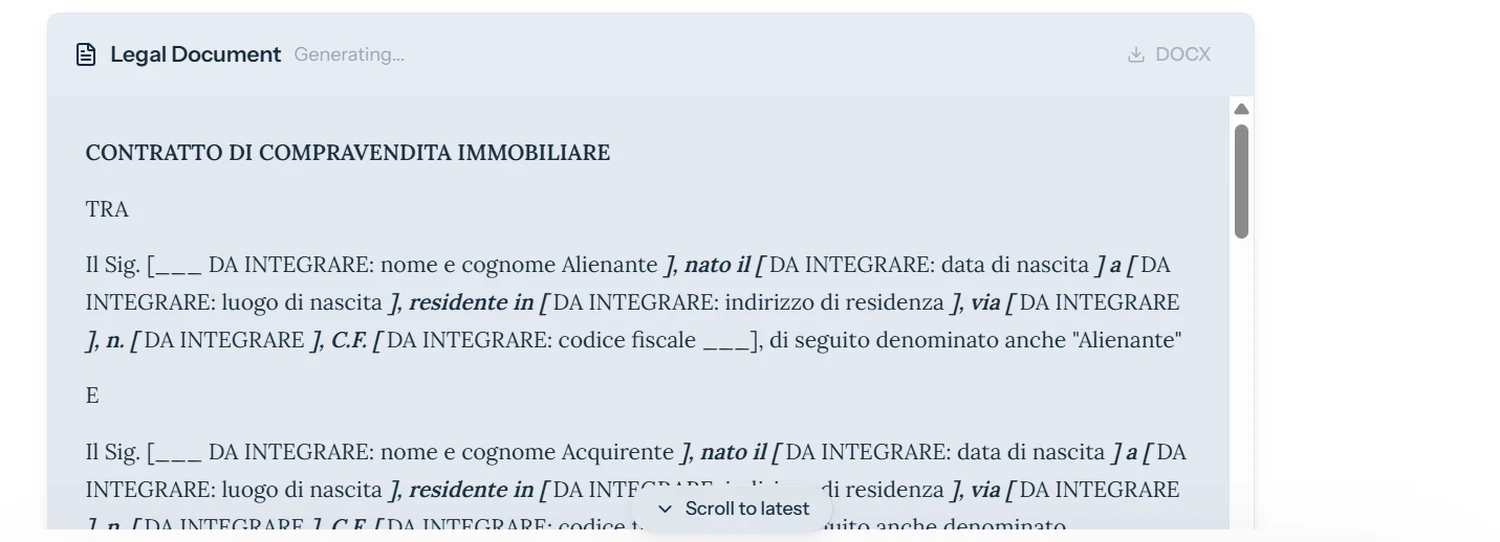
Do not start from zero for every document.
Aliv@ retrieves what has already been acquired from the matter, brings it into the document or template you chose, and asks only for what is truly missing.
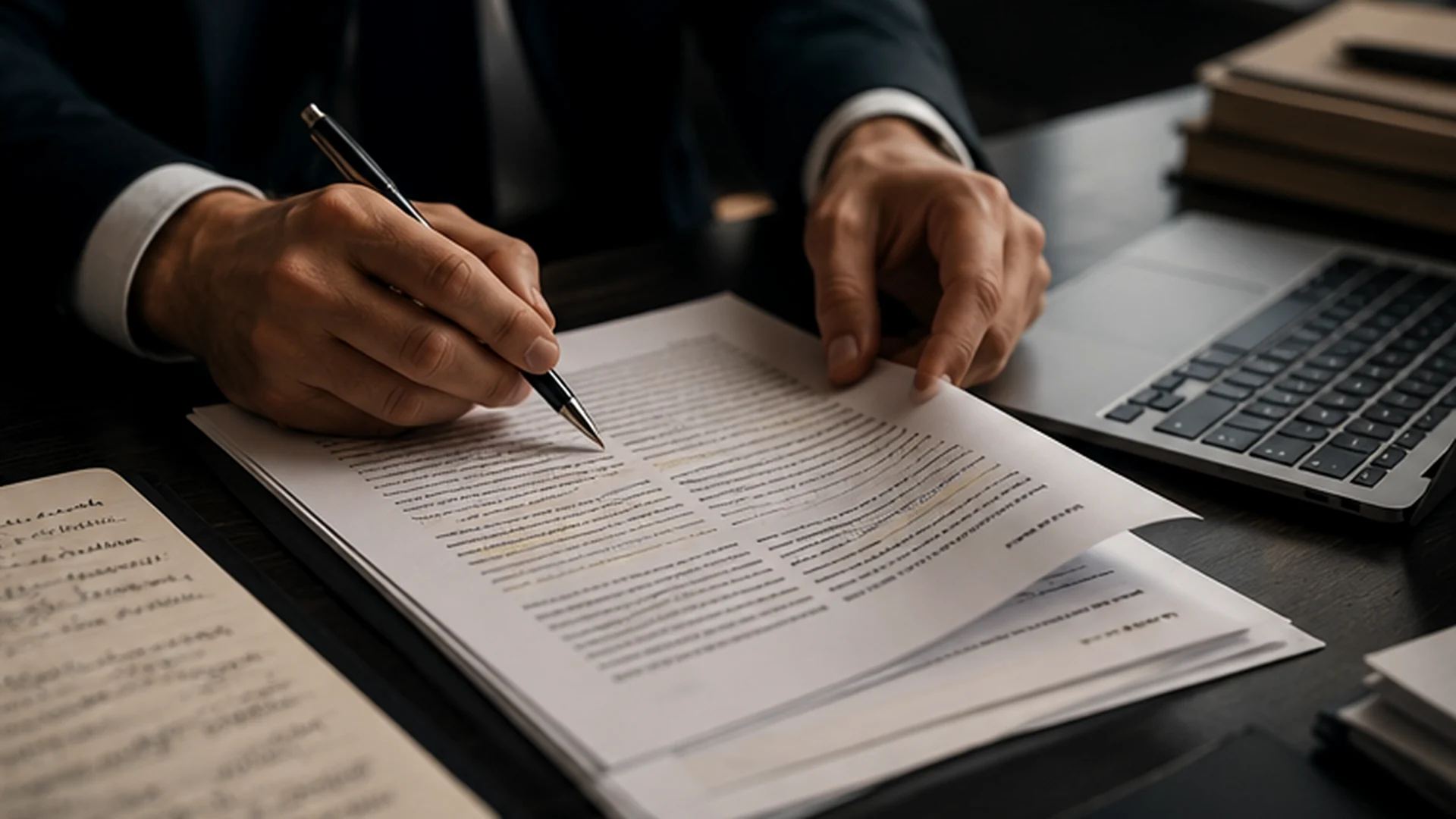
From the matter to the document, up to a draft to complete and verify.
Drafting starts from the context already built. Aliv@ retrieves available data and materials, brings them into the chosen model — including your own template — and makes only missing or unconfirmed information explicit.
Personal data, case information, documents and other elements already present in the matter can be reused in the draft. When something is still missing, Aliv@ can flag it at the right point and request it specifically instead of asking the professional to re-enter information already acquired.
- 01
Start from the document you have chosen to draft: the work already done in the matter helps you understand how to structure it, what supports it and what is still missing.
- 02
Reuse data and materials already contextualized in the matter
- 03
Highlight and request only the information still needed
- 04
Generate the draft, then review content, sources and wording before export